
Key Features
Automatic Event Creation
OMI sessions are automatically added to your chosen Google Calendar.
Calendar Selection
Choose which Google Calendar to use for OMI events.
Secure Integration
Your Google account remains secure with OAuth 2.0 authentication.
How It Works
Connect
Authorize the app to access your Google Calendar account securely through OAuth.
Configure
Select which Google Calendar you want to use for OMI events.
Schedule
OMI automatically creates events in your chosen calendar after each session.
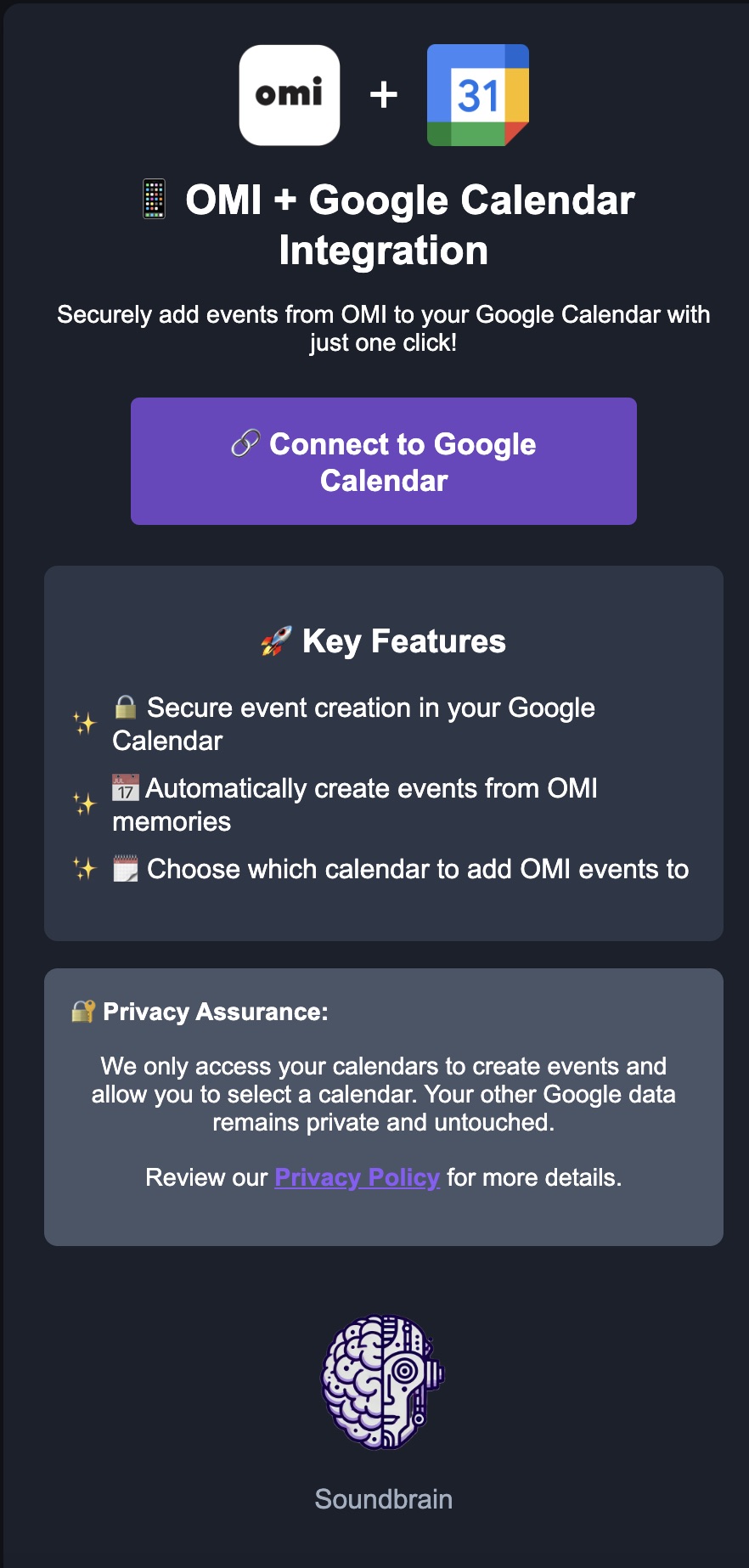
Configuration Preview

Privacy & Security
🔐 Your data, your control: We only access the calendar you choose for creating OMI events. Your other calendars and events remain private and untouched.
🛡️ Secure authentication: We use industry-standard OAuth 2.0 for secure access to your Google Calendar.
🔒 Minimal data storage: We only store your Google OAuth token, configuration settings, and a unique user identifier. No personal data or meeting content is stored on our servers.